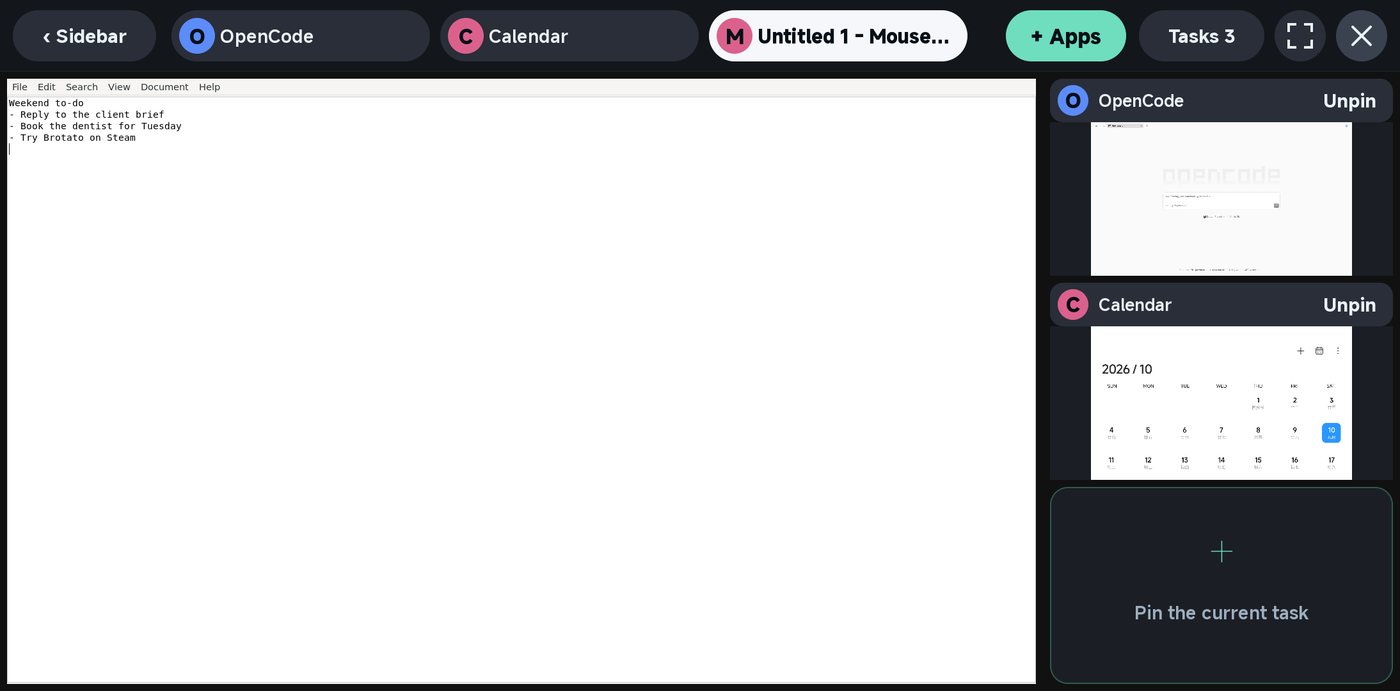
Yibu: made for a phone screen
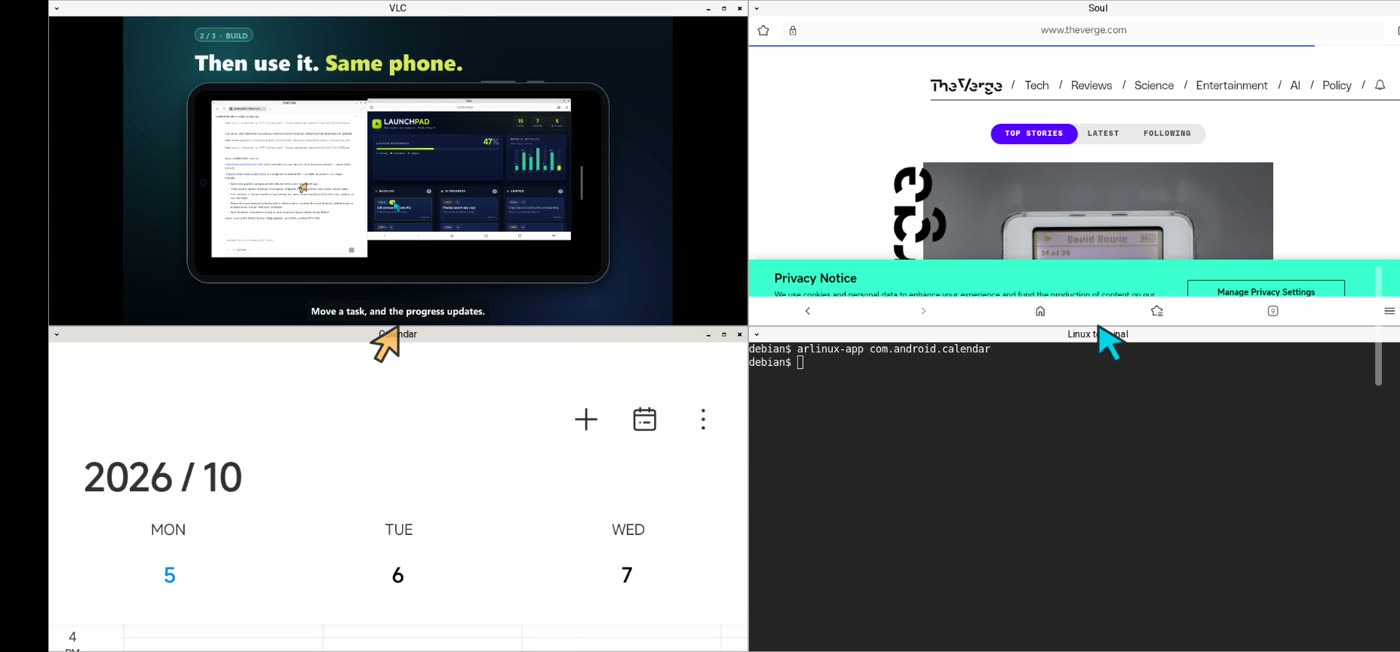
- One app gets the main area; up to three more stay live at the side.
- Tap a side app to swap it in. Full screen when one app needs all the room.
- No tiny title bars to hit with a finger.
0.6Blender, Steam and AI on Snapdragon and MediaTek
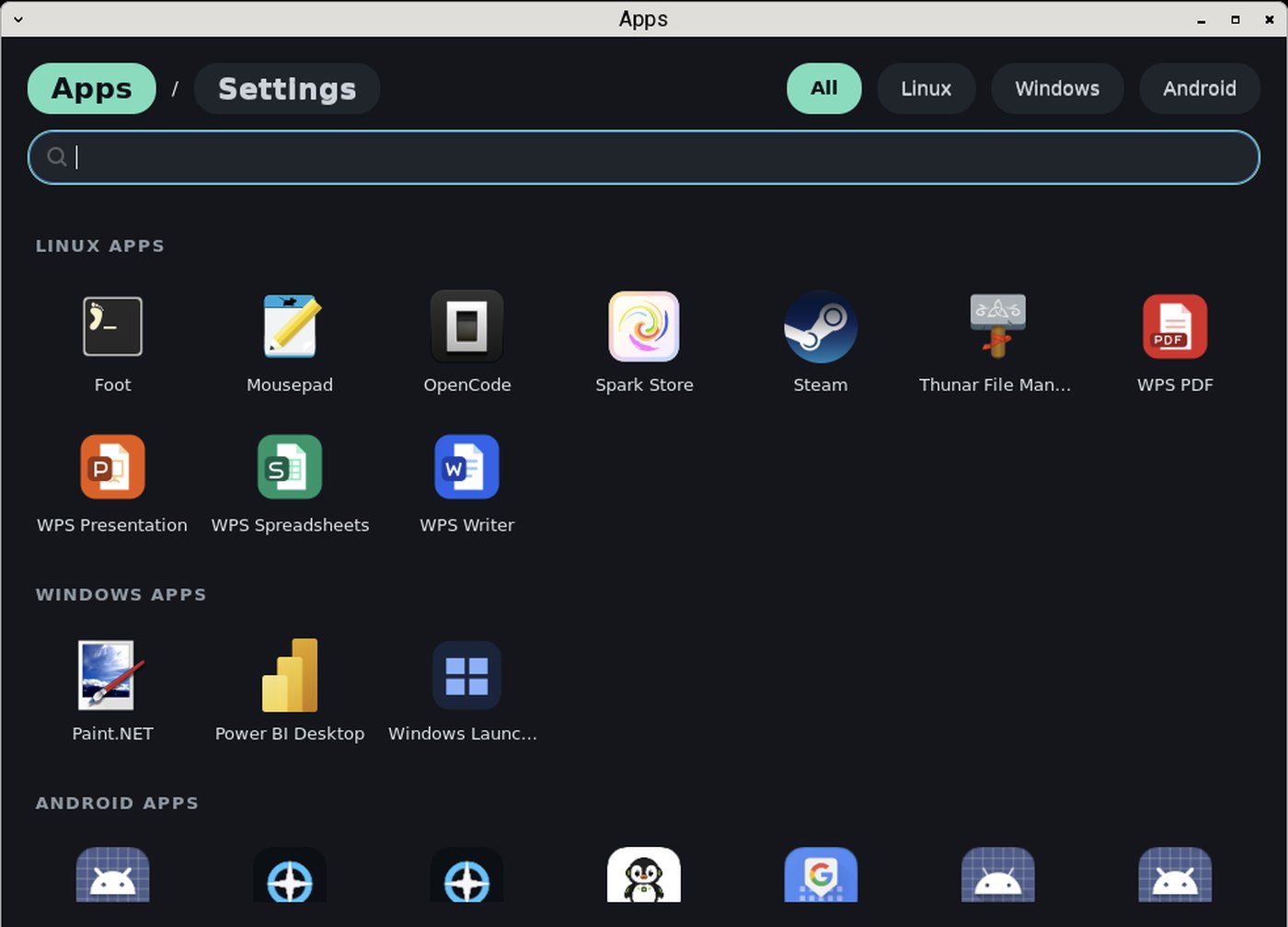
Two desktops built in. Android, Linux and Windows apps and Steam games in one Apps list, running on the phone itself.
Recorded on Xiaomi 15 (Snapdragon 8 Elite) · AYANEO Pocket FIT (Snapdragon 8 Gen 3) · vivo X300 (Dimensity 9500, Mali GPU)
Latest release · APK · Android 9+ · ARM64
TWO DESKTOPS, BUILT IN
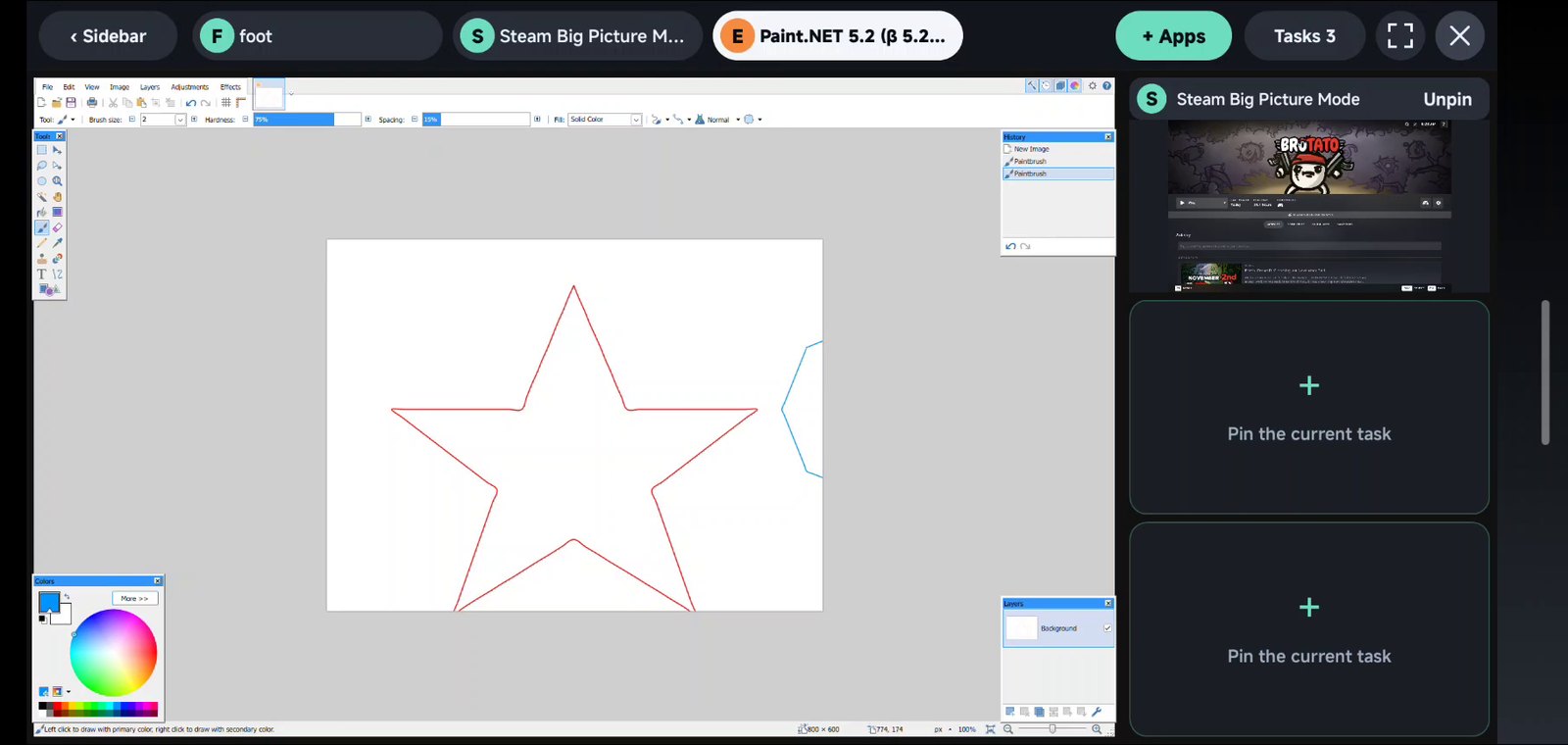
Yibu and Classic are both Debian, configured with different desktop appearances and window layouts. Both come inside the APK and start offline, with the same apps available. Keep one or both: each is its own workspace on the start screen.
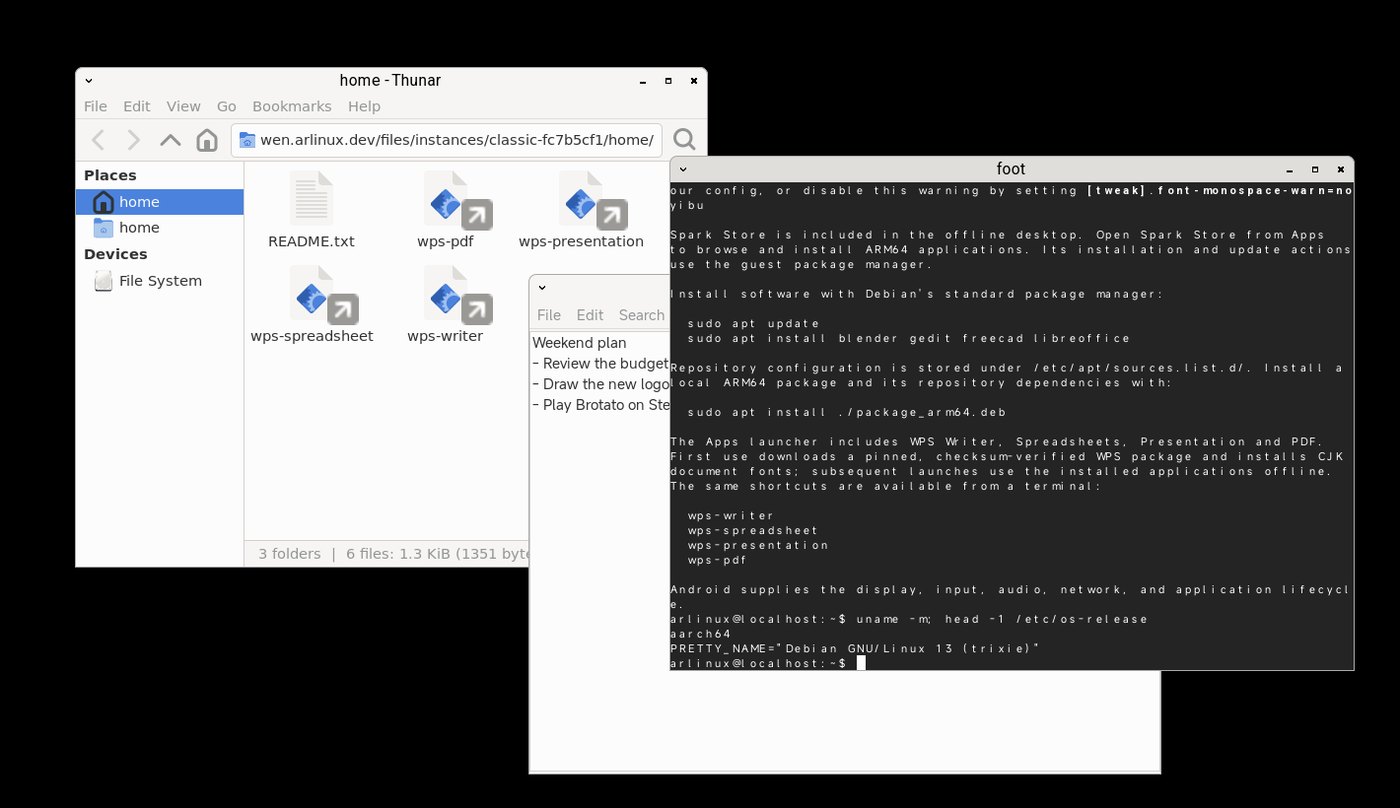
FOUR KINDS OF APPS
Double-tap the right-edge bar to open Apps. Search across all four kinds, or switch to Settings for touch mode and keyboard.
 ANDROID
The apps already on your phone, in desktop windows: WPS, CapCut, VLC, Edge, Calendar. Type with WeChat Input or Gboard.
Needs Android 11+. Not every app is compatible.
 LINUX
LINUX
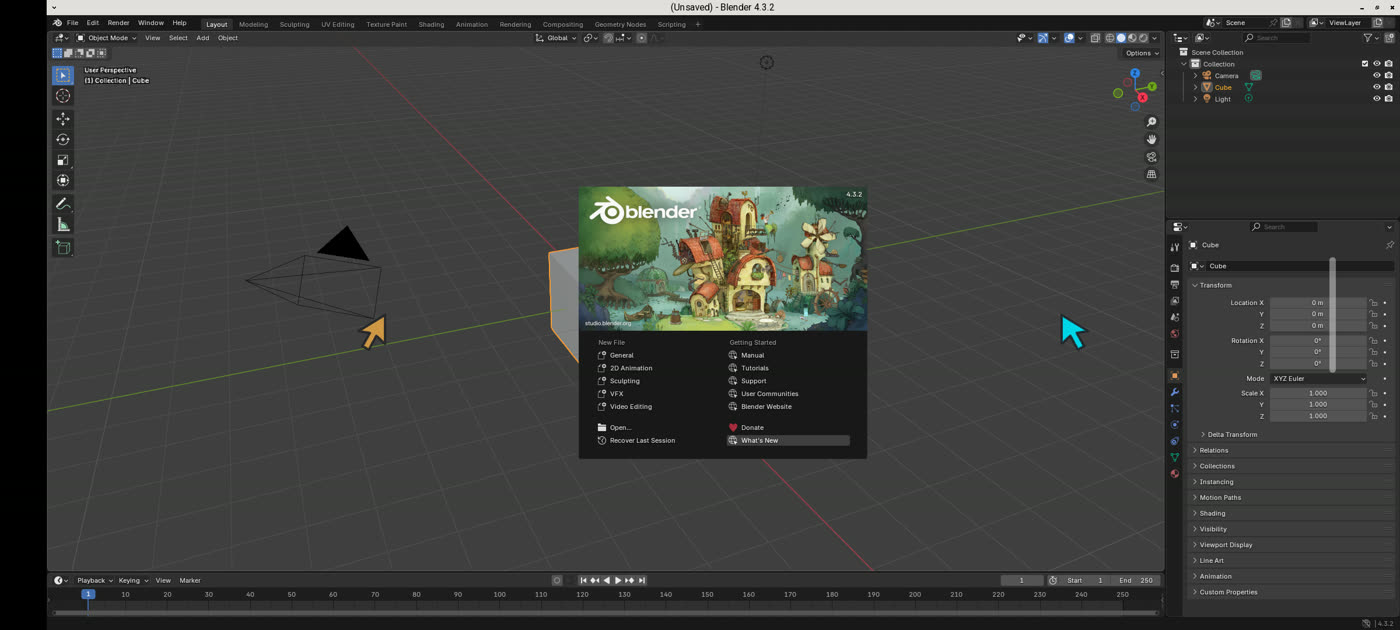
A full Debian system: LibreOffice, WPS, Chromium, Blender, GIMP, Kdenlive and anything else from apt, on the phone’s GPU.
Blender 4.3 recorded on Snapdragon (Adreno) and Dimensity (Mali) phones.
 WINDOWS
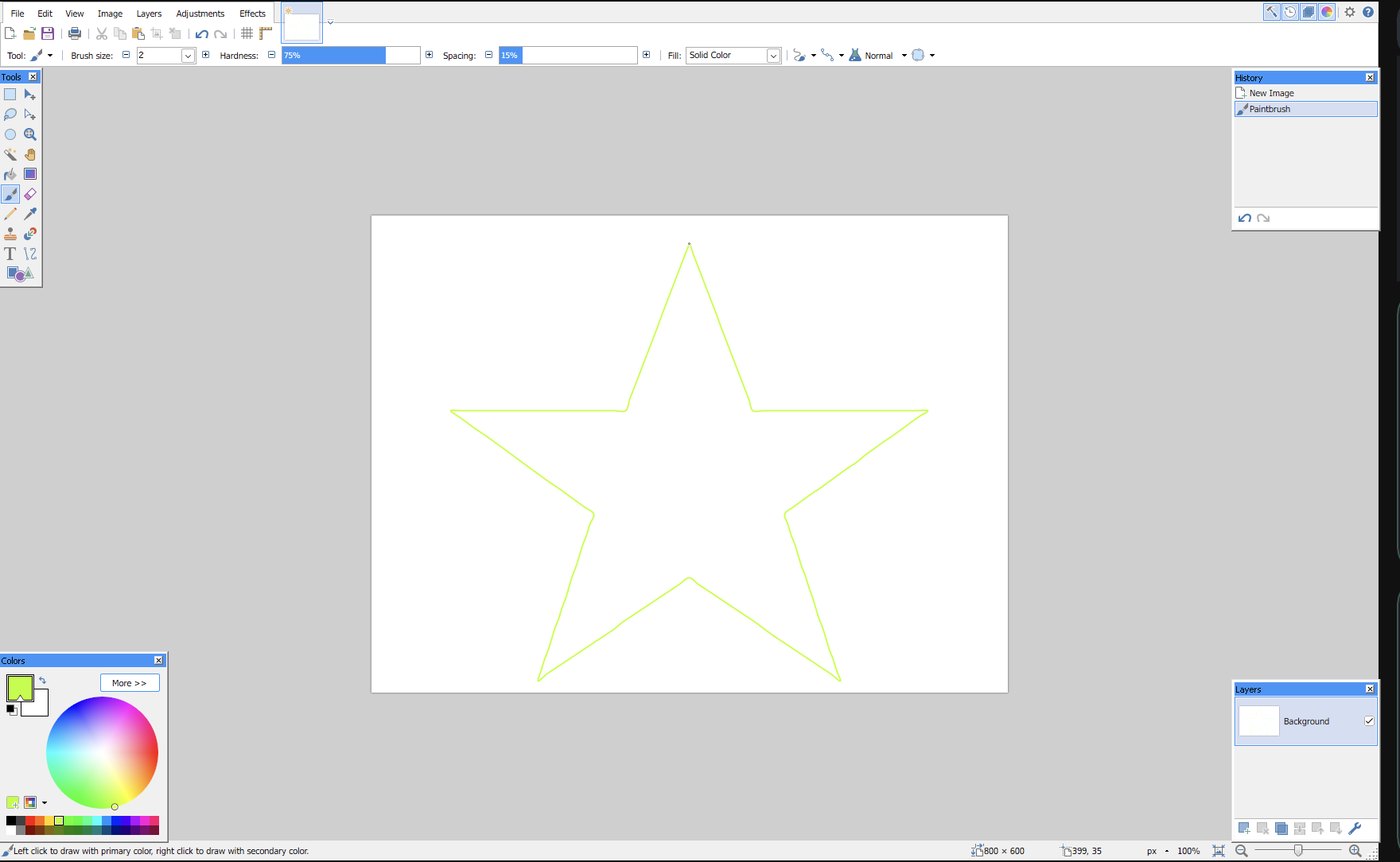
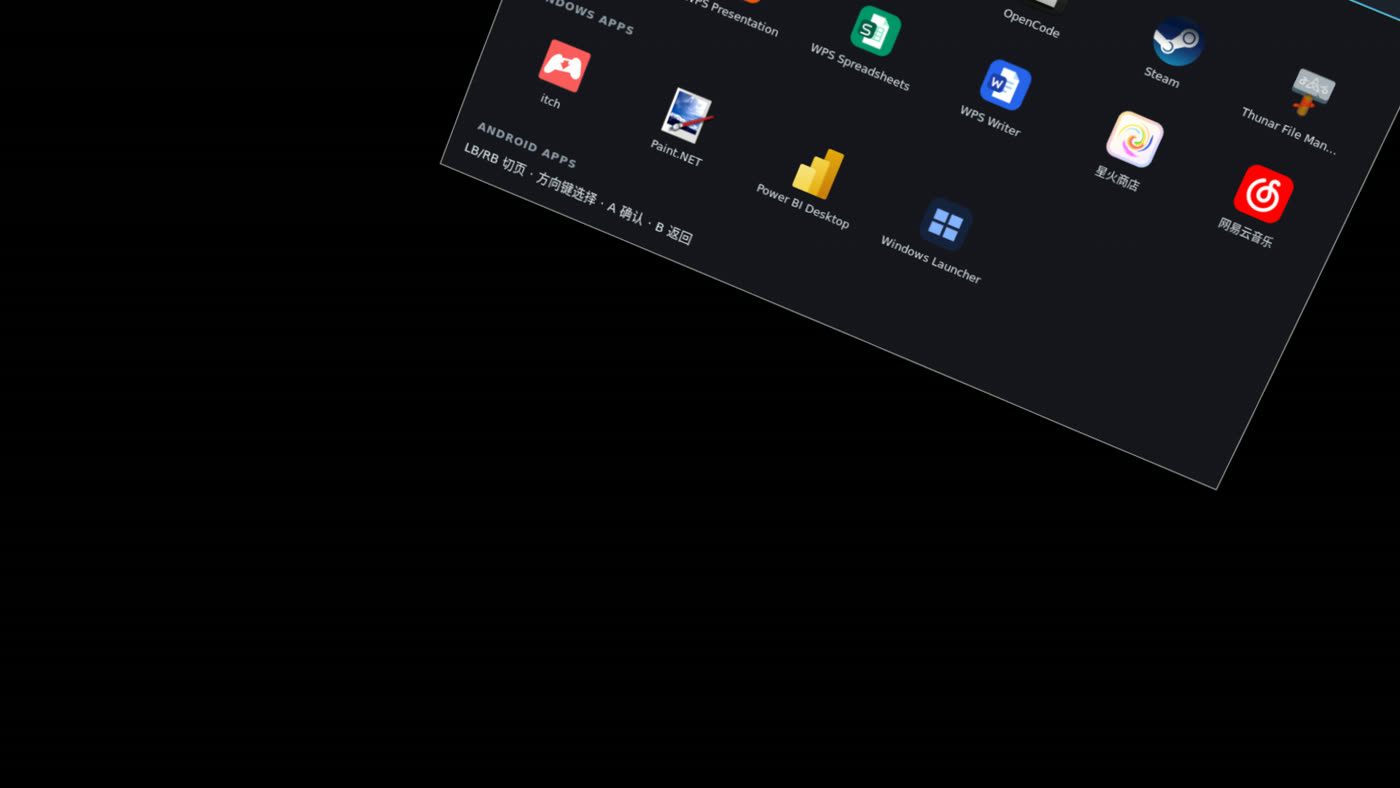
Paint.NET and Power BI Desktop install from Apps with one tap. Windows Launcher opens any unpacked .exe from your phone’s storage. Wine runs natively on Android; FEX translates x86 code.
Not every Windows program runs. Tell us what you need.
 STEAM
STEAM
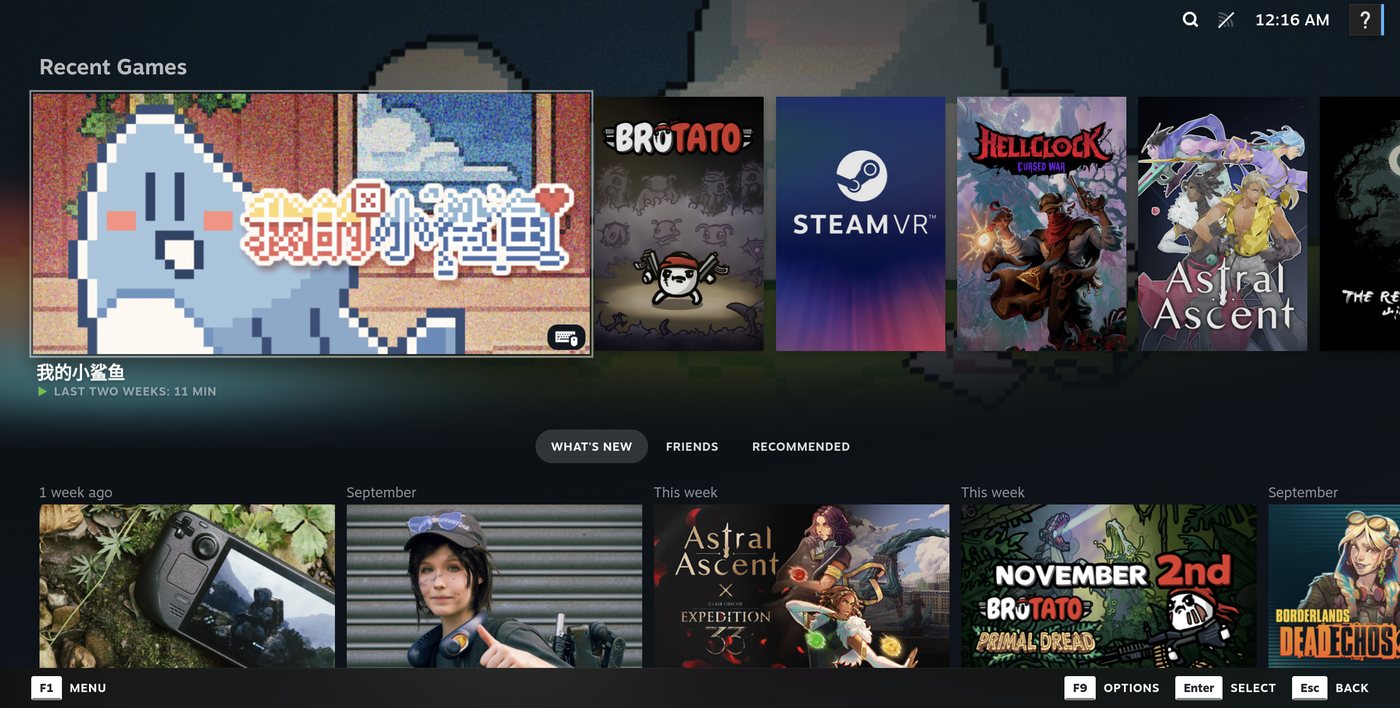
Steam opens in Big Picture. Linux games run through Valve’s FEX; Windows games through ARLinux’s Bionic Wine, picked automatically, so you just press Play. Verified: Brotato, My Little Shark, Lost Castle, LivingBattle.
Valve doesn’t officially support ARM Linux yet. Games with anti-cheat won’t run.
Edit Kotlin or C++ in Geany. Gradle and the NDK compile on ARM64; the new APK opens in a window seconds later.
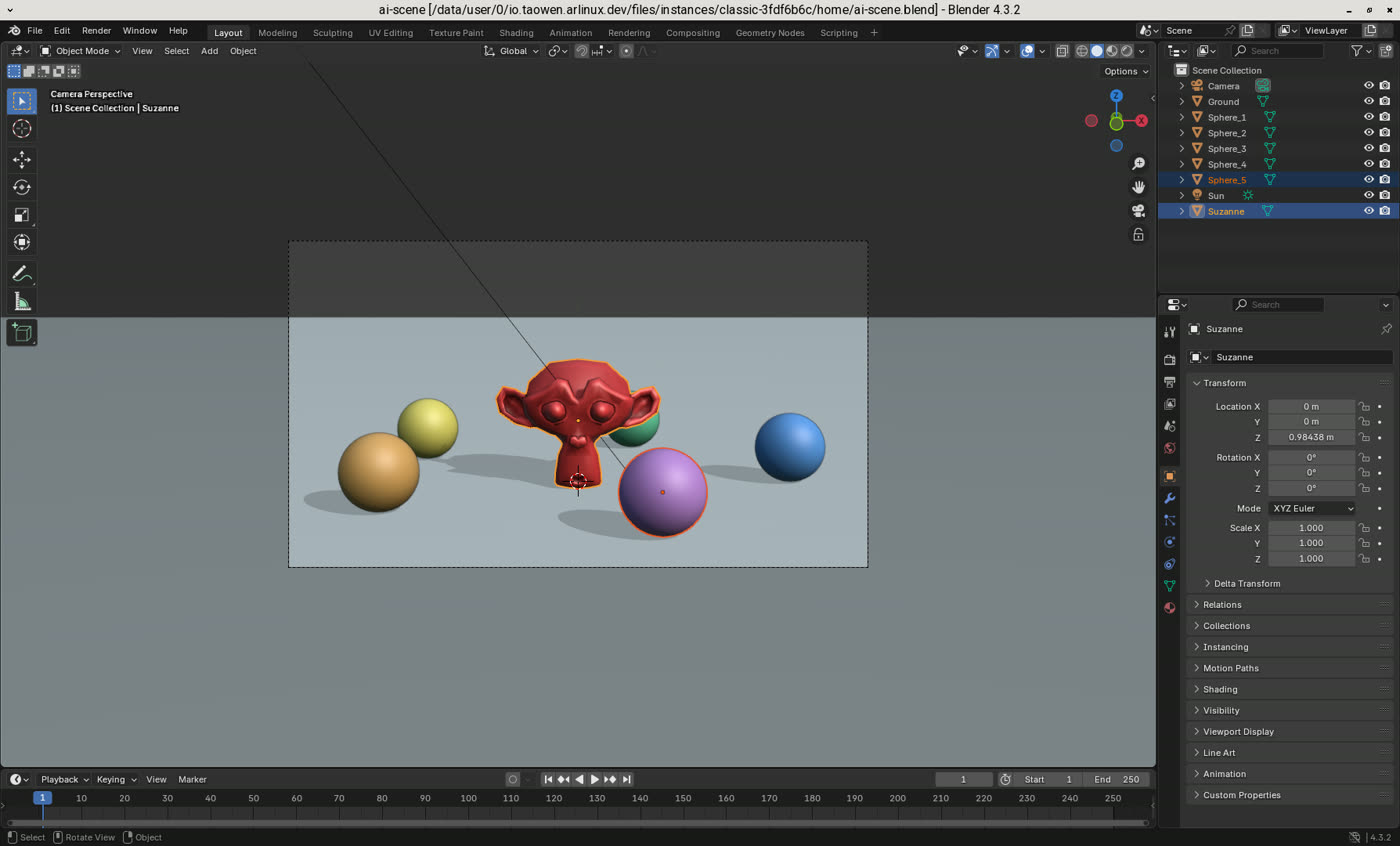
Hold the edge bar and speak, or type. The AI agent runs on the phone itself: it installs apps, opens files, and can write a Blender script, run it and open the scene.
Needs internet and a model; some providers need an account or API key.
Connect a monitor or AR glasses and work on the big screen. The phone becomes your touchpad.
Needs Android 12+ and a phone, cable and adapter with video output.
See supported AR glasses →NEW IN 0.6
Connect supported AR glasses and select their output on the start screen. Turn on Extra-large spatial screen to look around a desktop that stays in place with 3DoF tracking. Leave it off to use an ordinary external screen.
5760 × 2160 by default. Three 1920 × 1080 panels across, two high. The information button lets you change the workspace resolution and enable single buffering for improved hover stability. Double buffering is the default for wider device compatibility.
Use the phone as your touchpad, and recenter with the small top-right icon. Unplug the glasses to continue on the phone; plug them back in to restore the spatial output.
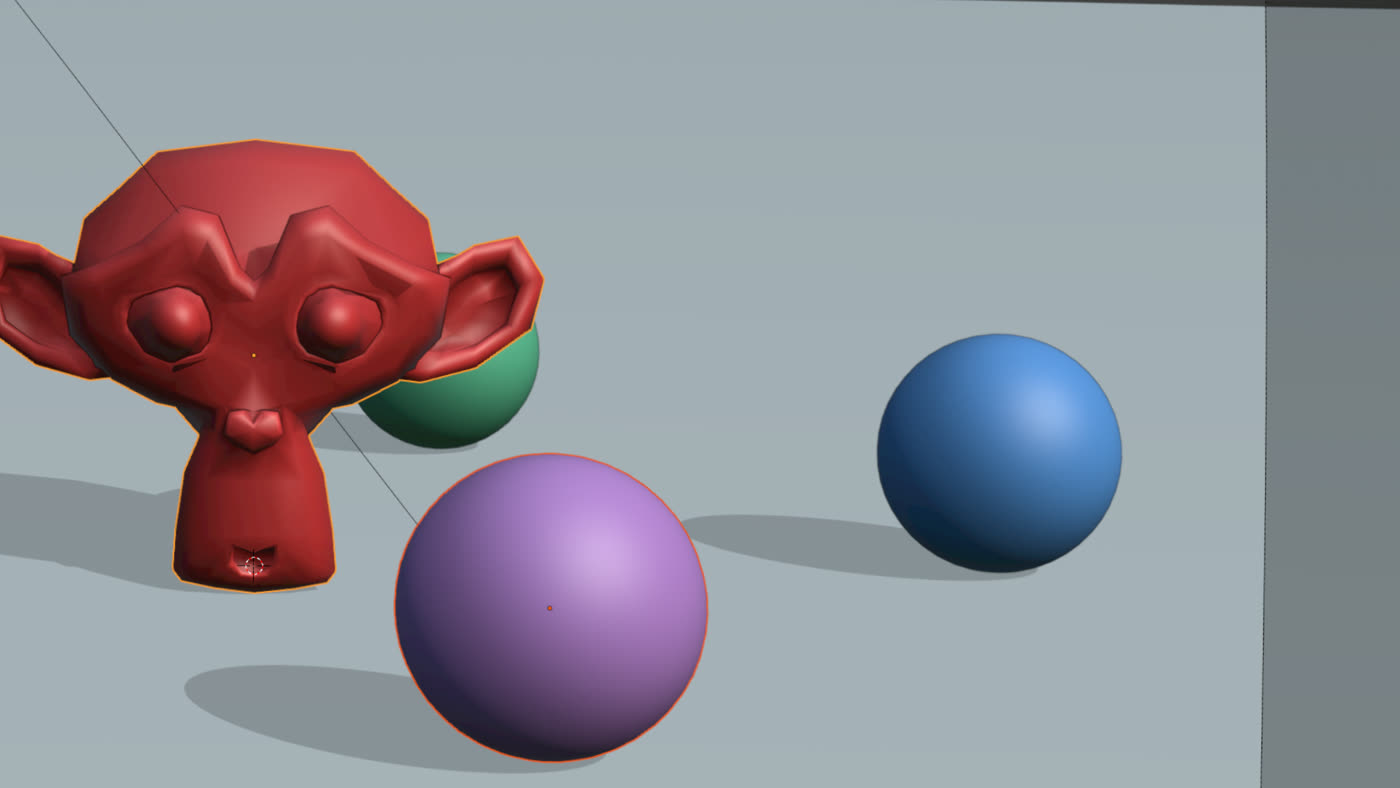
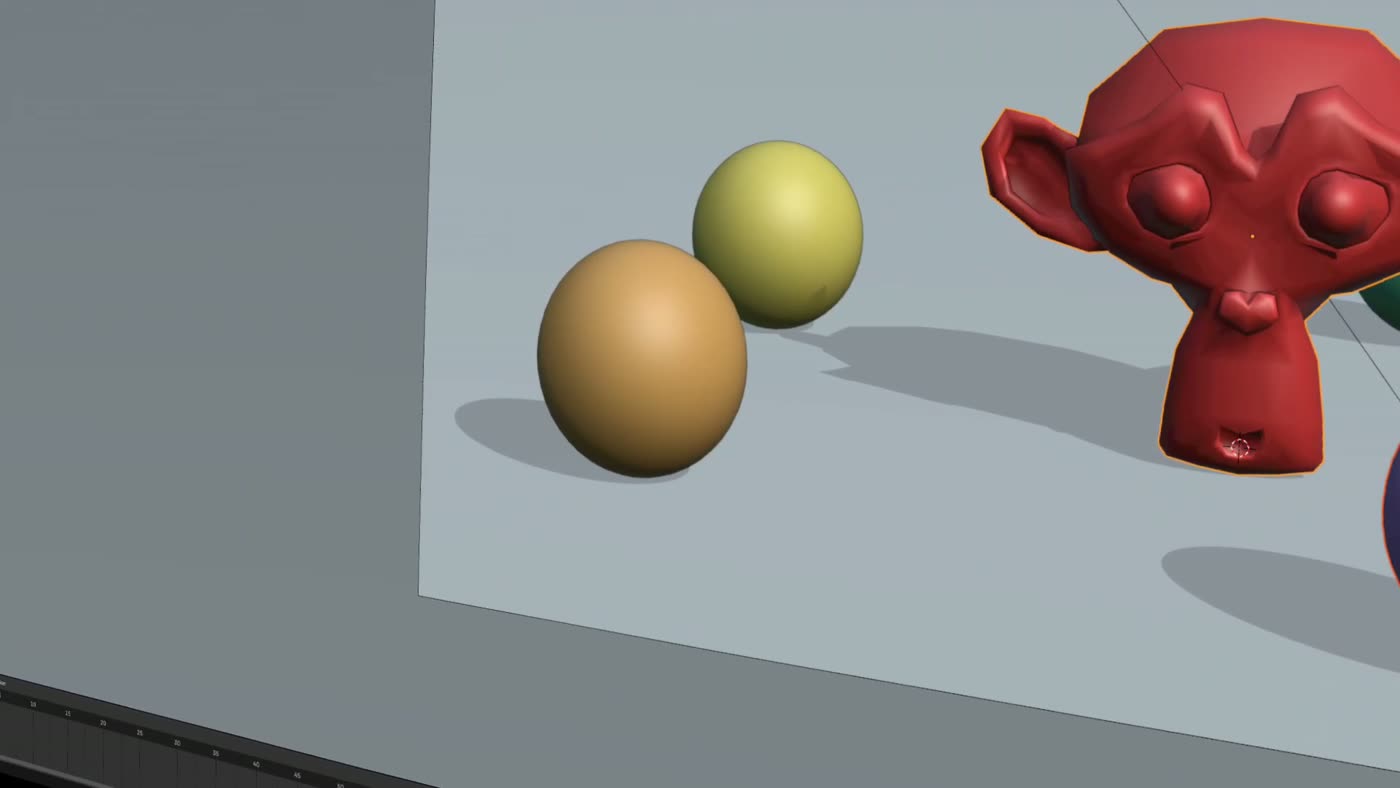
Recorded from the display output of XREAL XBX A01 glasses on an AYANEO Pocket FIT.

Air · Air 2 · Air 2 Pro · Air 2 Ultra · One · One Pro · 1S · XBX A01 · XBX A01 Plus · Light

Air 1s · Air Plus · Air 2 · Air 2s · Air 3 · Air 3s · Air 3s Pro · Air 4 · Air 4 Pro · GT · GT Max

One · Lite · Pro · Luma · Luma Pro · Luma Cyber · Beast · Pro 2 · Ultra

Air · Max · Max 2

G3 Max · G3X · G3X Pro · Art (A1)
Brand marks identify compatible devices and belong to their respective owners; no endorsement is implied.
SEE IT IN 30 SECONDS
Recorded on a Redmi phone before Yibu became the default desktop. English narration and English subtitles.
GET STARTED
Download on your phone and open it from Downloads. If Android asks, allow your browser to install apps.
Download ARLinuxYibu and Classic are inside the APK. The first launch unpacks the desktop on the phone; no download needed. Leave a few GB free.
Tap the desktop directly, or turn the screen into a touchpad with two pointers (switch in Apps → Settings). The thin right-edge bar: tap for the keyboard, double-tap for Apps, hold to talk to AI.
How the controls work ↓ARM64 Android 9+ · Android apps in windows: Android 11+ · External screens: Android 12+ · No root, no Shizuku, no second computer.
CONTROLS
Tap a button to click it. Swipe to scroll. Hold, then move to drag or select text.
Precise clicks on small desktop controls. Handy when you look at a monitor or AR glasses instead of the phone.
In touchpad mode, here is where to touch. The edge bar works in both modes.
Moves the orange pointer.
Moves the cyan pointer. Tap to click, tap twice to double-click. Two fingers: tap to right-click, slide to scroll.
Tap for the keyboard, double-tap for Apps. Hold, speak, release: your words go to OpenCode.
New: the start screen and Yibu, explained with fresh screenshots →
MEASURED ON A PHONE
ARLinux uses tawcroot, not PRoot. Its Linux compatibility work happens inside the application process, instead of using PRoot’s ptrace-based tracer. Both run ARM64 code on the phone’s CPU; neither needs to emulate that CPU. The difference shows up in the work around system calls.
CPython 3.13.13, configure + make -j4. Median of three fresh builds per runtime. Less time is better.
45% less build time than PRoot. Still 23% longer than the rooted Linux baseline—not zero overhead.
| Workload | ARLinux | Termux PRoot | Chroot¹ |
|---|---|---|---|
| 2,000 file accesses | 46.55 | 595.83 | 21.38 |
| Spawn 40 tiny processes | 115.86 | 109.14 | 46.77 |
| 10 Python starts + imports | 408.21 | 609.07 | 390.22 |
| 5 Git status calls | 78.34 | 241.72 | 44.85 |
| Compress 1,000 files with tar + gzip | 20.90 | 77.35 | 9.05 |
| SHA-256 compute control | 151.15 | 180.98 | 164.47 |
Not every operation wins: tiny-process spawning was about 6% slower than PRoot. These tests do not establish a CPU-compute advantage, faster games or smoother graphics.
Xiaomi 15 · Android 17 · 10 October 2026 · installed ARLinux 0.2.3 Release runtime vs official Termux PRoot 5.1.107.96, with its seccomp accelerator enabled. Same physical rootfs, programs and Android UID; warm cache. Rooted ADB test entry, not normal Activity startup. CPU frequency and temperature were not locked. This is not a comparison with native Termux, Termux:X11 or an entire proot-distro setup. ¹Rooted chroot is a lab baseline only; ARLinux itself does not require root.
Every Python build sample ↗Every workload sample ↗Open-source runtime ↗How PRoot works ↗
DISTRIBUTION DOWNLOADS
Yibu and Classic are both Debian with different desktop appearances and window layouts, and both are included in the APK. Yibu uses a main area and side slots; Classic uses freely overlapping windows. No separate Debian ZIP is needed. For other systems, download a ZIP below, choose Import distribution in ARLinux and select it. Leave it zipped. Arch, Omarchy and KDE Plasma include desktop dependencies for offline first start.
These distribution ZIPs require ARLinux 0.6.4 or newer.
Known ARLinux 0.6.4 issue: the right-edge Apps shortcut does not reopen Apps on Arch or Omarchy. Omarchy's menu → Apps → Apps works; on Arch, exit and restart the desktop to reopen Apps.
HELP
Neither. ARM64 Linux programs run directly on the phone, inside the ARLinux app, through our open-source tawcroot runtime. Only x86 code is translated: Windows programs run in Wine with FEX, and x86-64 Linux games in Steam use Valve’s FEX.
Verified so far: Brotato (Linux build) on a vivo X300 and Xiaomi 15, and My Little Shark (Windows build) on a vivo X300. Windows games use ARLinux’s Bionic Wine automatically. Many games won’t run yet, and games with anti-cheat almost certainly won’t. Tell us what works for you.
The first launch unpacks the desktop on the phone. Keep ARLinux in front and check free storage. Later starts reuse it.
Android can limit child processes and memory. Follow the in-app guide to the developer option often called “Disable child process restrictions”. Its name varies by phone.
No. Updates keep your workspaces, apps and files. To get the newest built-in system in an existing workspace, choose Reinstall on the start screen: it replaces the Linux system but keeps your home folder and shared data. Or add a new Yibu or Classic workspace.
OPEN SOURCE
The runtime, compositors, graphics and distribution recipes are on GitHub. Build your own distribution as an importable ZIP.
Built on tawc, libhybris, Omarchy and their contributors. Each repository keeps its own license.